Courses/DaVinci Resolve Basics
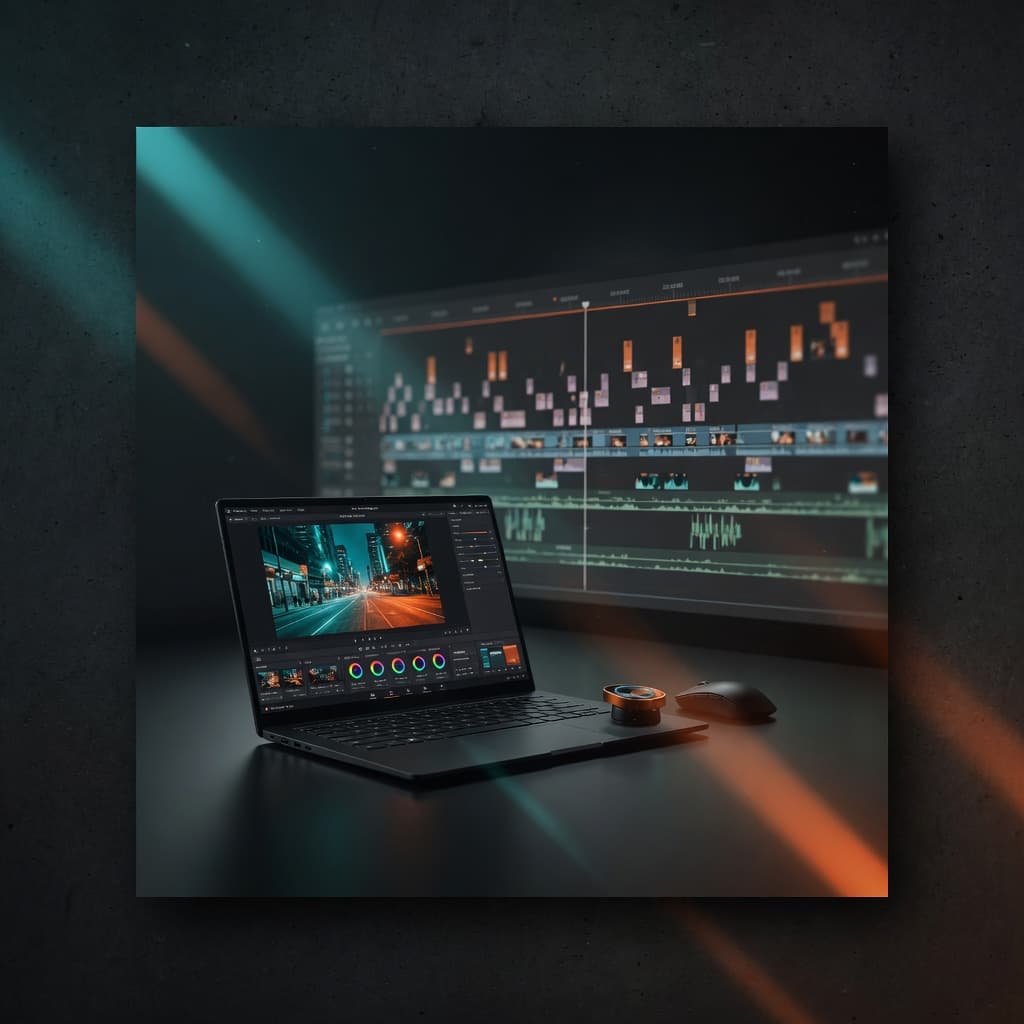
Coming soon
Beginner
Coming soon
DaVinci Resolve Basics
From import to color grade — master professional editing with DaVinci Resolve.
Price
€149
6h 30m
20 lessons
Coming soonNot available for purchase yet.
This course is not open for purchase yet. Join the waitlist — we’ll email you when it launches.
Requirements: DaVinci Resolve Free (Windows/Mac) and about 20GB free disk for practice media.
Who this is for
- ·New editors and freelancers starting with Resolve Free
- ·Creators moving off CapCut / Premiere Rush
What you will walk away with
- ·Complete a short project cut-to-export in Resolve
- ·Clean audio + basic color look
- ·Confidence with media pool, timeline and delivery
Curriculum
Sections and lessons — use this as your filming checklist. Video lessons unlock after enrollment.
6 sections
20 lessons
01
Setup & media
Install, project settings and a clean media pool so you never lose files.
- 1.112m
Install Resolve Free and project setup
Free previewCreate a project with the right frame rate and resolution for social.
- 1.215m
Media pool, bins and naming
Free previewImport clips into a bin structure you can scale on client jobs.
- 1.312m
Preferences that save hours
Set auto-save, optimized media and UI layout.
- 1.411m
Proxy vs original workflow
Know when proxies help on slower laptops.
02
Editing & pacing
Cut with intent — selects, timeline tools and rhythm for social and web.
- 2.118m
Selects and stringouts
Free previewBuild a selects timeline before the real cut.
- 2.220m
Blade, trim and ripple
Edit dialogue cleanly without accidental jump cuts.
- 2.322m
Pacing for short-form
Cut a 30-60s piece that holds attention.
- 2.420m
B-roll layering
Cover jump cuts and illustrate talking points.
03
Audio cleanup
Dialogue that sounds expensive without a full mix room.
- 3.115m
Fairlight basics for dialogue
Normalize levels and remove room noise gently.
- 3.220m
EQ and compression light touch
Make voice sit forward without pumping.
- 3.320m
Music beds and ducking
Add music that supports, not fights, speech.
04
Color basics
Nodes, exposure and a simple cinematic look you can reuse.
- 4.120m
Color page overview
Navigate nodes without fear.
- 4.225m
Primaries: exposure and white balance
Fix flat phone/log footage to neutral.
- 4.330m
One reusable look
Build a simple look you can apply to a whole project.
05
Titles & graphics
Text, lower thirds and simple motion that match brand work.
- 5.115m
Titles tool and Fusion titles intro
Add clean titles on the edit page.
- 5.220m
Lower thirds that match brand
Style text consistently for names and CTAs.
- 5.315m
Using preset packs (APERIO titles)
Drop in title presets when available — or design minimal ones.
06
Export & delivery
Render settings for IG, TikTok, YouTube and client handoff.
- 6.120m
Deliver page presets
Export H.264/H.265 for each platform.
- 6.225m
Full project: rough cut to export
Finish one complete short as your portfolio piece.
- 6.315m
Client handoff checklist
Name files, versions and notes like a pro.
Not sure what gear to buy? See starter to pro kits on Amazon.de